The idea
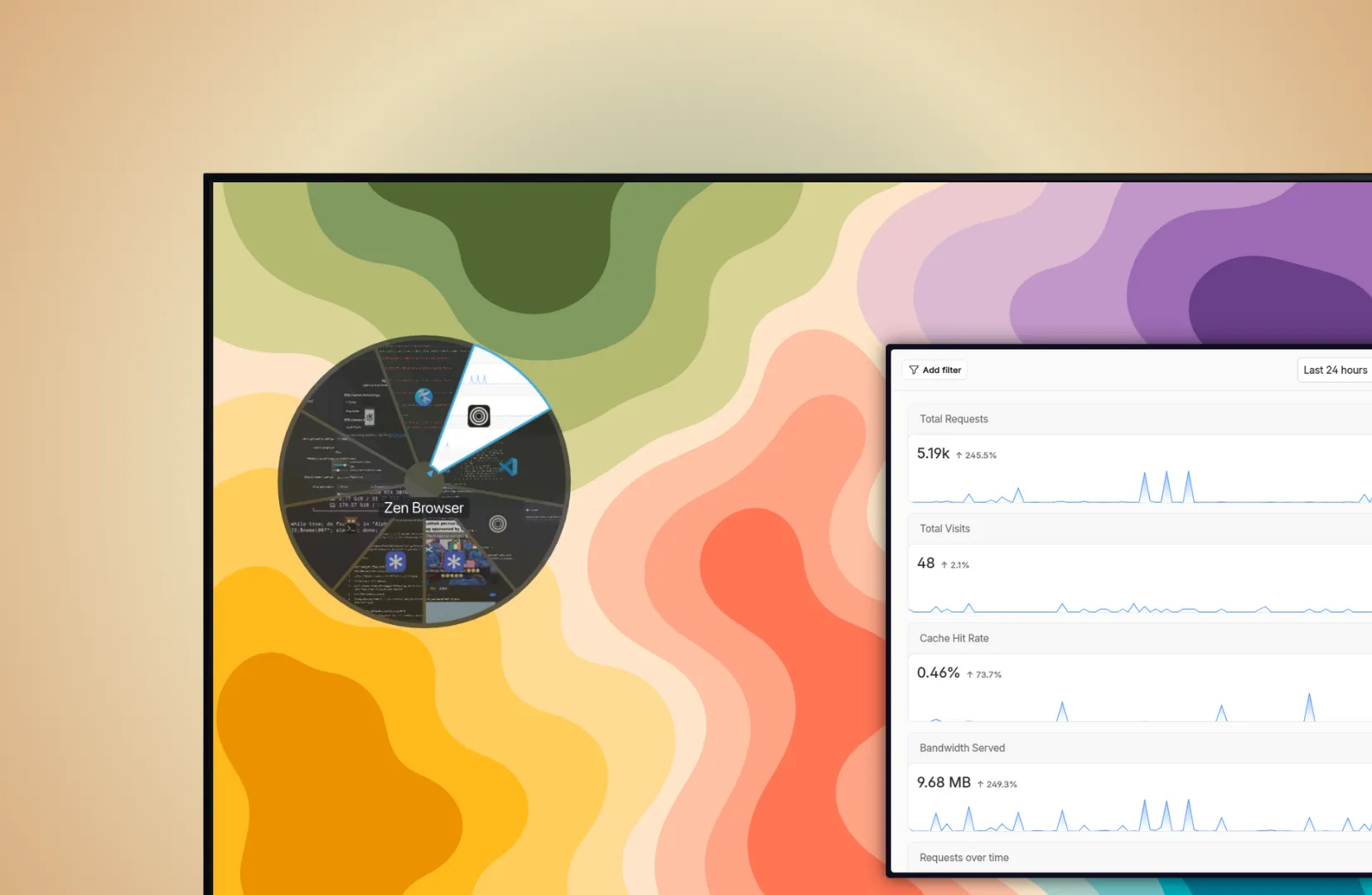
Alt+Tab is a horizontal strip on almost every desktop. But a strip wastes the one piece of information you always have: where the cursor is. Circular Alt+Tab lays your windows out as pie slices around the cursor instead, so the target is always a short flick away. Hover to select, click to activate, middle-click to close. It works with the keyboard, the mouse, and the scroll wheel.
It’s a KWin window-switcher plugin for KDE Plasma 6, written in pure QML with no build step.
Key Takeaways
- Windows are arranged as pie slices around the cursor, so the one you want is always a short flick away.
- Live thumbnails, a multi-ring layout past 8 windows, and full Plasma theme integration, all in pure QML with no build step.
- Hit-testing reads static ring geometry rather than animated positions, which is what keeps hover selection from jittering.
What it does
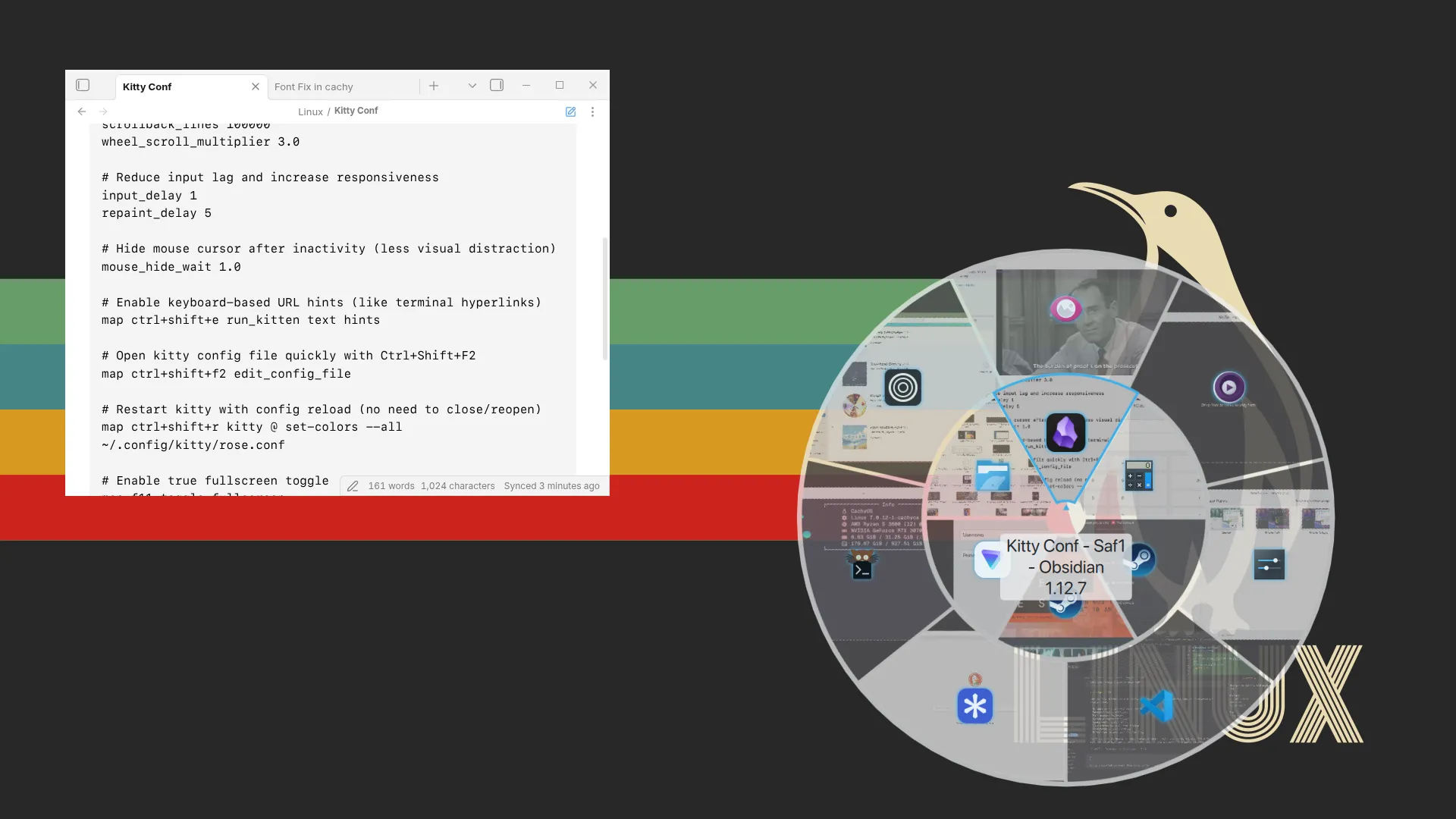
- Pie-slice layout centered on the cursor, with live window thumbnails (icons for minimized windows).
- Multi-ring layout when you have more than 8 windows. They distribute evenly across rings via a remainder algorithm, with the overflow pushed to the outer rings.
- Semi-transparent background that adapts to your Plasma theme. Colors, captions, and the selection indicator all read from Kirigami theme variables, so reduced-motion and high-contrast modes are inherited for free rather than reimplemented.
How it works
The architecture is a small chain, TabBoxSwitcher → Window → Pie → Repeater → Piece, with
rotation-based positioning and an OpacityMask for clipping each annular sector.
- Hit-testing reads static ring geometry, not animated per-frame positions. This is the subtle one. If you hit-test against the scaled-up hovered piece, hovering becomes jittery as the geometry shifts under the cursor. Testing against the fixed ring layout eliminates that.
- Single-window mode caps the slice at 180°. A full 360° circle for one window is degenerate and looks broken.
- It leans on undocumented KWin APIs (
model.activate(),KWin.Workspace.cursorPos, window enumeration), a deliberate, documented trade-off, since the polished interaction simply isn’t reachable through the public TabBox surface.
On an RTX 3070 with 30 simultaneous windows (4 rings), peak GPU SM utilization sat at 52% and KWin held under half a core, idle between interactions. No sustained load at realistic-to-extreme window counts.
I ran an informal trial with 14 KDE Plasma users over a week. Eleven stayed with the circular layout by the end. The most consistent feedback: the cursor-centric layout clicked quickly because the windows appear where you are already looking. On a self-timed 10-window selection task, participants averaged 2.1 seconds with the default strip switcher and 0.9 seconds with the circular one. That is not a controlled experiment, but it lines up with what the geometry predicts — shorter average cursor travel to the target when the target is distributed around the cursor rather than in a strip at the screen edge.
Limitations
The README ships a frank limitations section, because that’s what I’d want to read before installing a compositor plugin. The undocumented APIs could break on a future Plasma point release; there’s no screen-reader support (the pie layout is inherently spatial and KWin’s overlay API exposes no accessibility hook to attach to); and multi-monitor is verified on one mixed-DPI setup, not all of them.
It started as a Plasma 6 port of an older switcher and has since been substantially reworked: multi-ring layout, live thumbnails, scroll support, and theme integration. Pure QML, GPLv3, installable from a release zip or a one-line script.
Skills & Deliverables:
- QML / Qt Quick: rotation-based layout,
OpacityMasksector clipping, and animation driven entirely by Kirigami theme units. - Desktop / compositor integration: a KWin TabBox plugin working across both Wayland and X11 sessions on Plasma 6.
- Pragmatic engineering: hit-testing against static geometry to kill hover jitter, a remainder-based multi-ring distribution, and a documented stance on undocumented APIs.